Introduction
You just landed a new client. The excitement is real, but then reality sets in. Now comes the mountain of manual tasks: sending the welcome email, scheduling the kick-off call, chasing down signed contracts, and asking for that initial payment. For a local plumber, dentist, or lawyer, this administrative 'paperwork' can take hours—precious time that should be spent actually serving the client or growing the business.
What if you could flip a switch and have 90% of that work happen automatically, with a touch of AI to make it feel personalized? In the next seven days, you can transform your onboarding from a chaotic headache into a sleek, professional machine. This isn't just about saving time; it's about making a world-class first impression that turns a one-time customer into a lifelong advocate. At My Business Local, we see local owners reclaiming 10+ hours a week just by putting their onboarding on autopilot. Let’s dive into how you can do the same.
What is AI-Driven Client Onboarding?
Client onboarding is the bridge between a lead saying "yes" and the actual delivery of your service. It includes every touchpoint—contracts, intake forms, scheduling, and education—that sets the tone for your relationship. Historically, this has been a manual process involving spreadsheets, Word documents, and a lot of "did I send that yet?" anxiety.
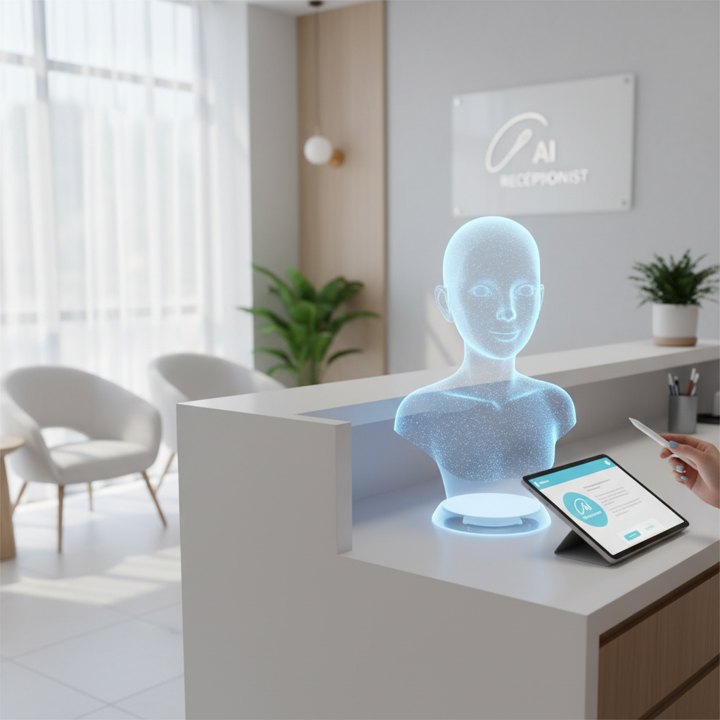
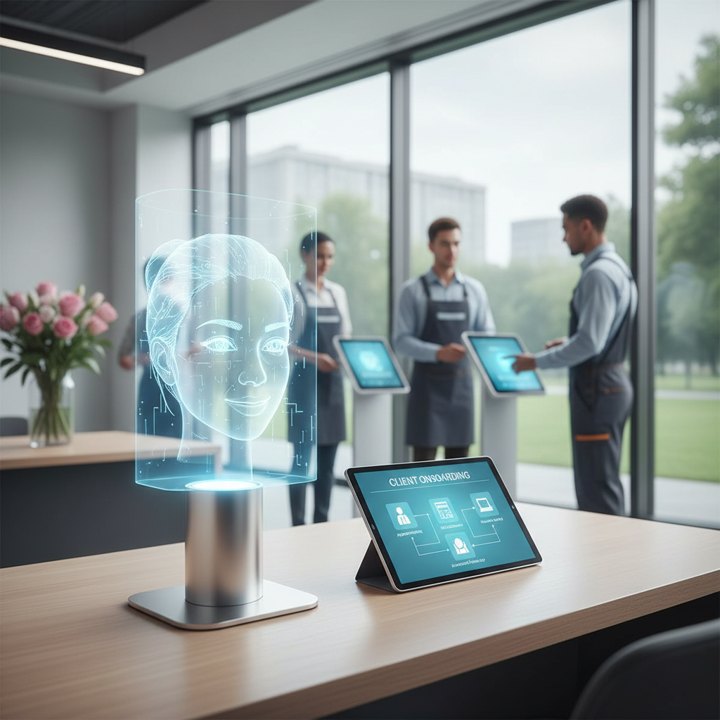
AI-driven onboarding uses smart software and automation tools (like Zapier, ChatGPT, and CRM systems) to handle these tasks based on specific triggers. When a new client pays an invoice, the AI recognizes the event and instantly triggers a series of actions. It might generate a personalized welcome video, create a project folder in Google Drive, or send a customized intake form based on the specific service they purchased.
Unlike traditional automation, AI adds a layer of intelligence. It can read a client's response to an intake question and automatically suggest the best next step or alert you if a client seems confused. For a local business, it means your "back office" is open 24/7, providing a premium experience even while you’re asleep or out on a job site. It’s the digital equivalent of a dedicated concierge for every single customer.
Why Local Businesses Need This
Local businesses often live or die by their reputation and referrals. Most business owners think the work starts when they show up to fix the leak or start the legal consultation. But for the client, the experience starts the moment they sign up. If they have to wait three days for a response or deal with a clunky, manual process, their confidence in your expertise begins to waver.
Speed is the new currency. In a world where we can order pizza with one click, a client expecting professional services has high standards. Automation ensures that the "Buyer’s Remorse" period is filled with helpful, immediate communication. Furthermore, manual onboarding is error-prone. We’ve all seen it: a name spelled wrong on a contract or a missing file that delays a project for a week. AI doesn't forget.
"The cost of a bad first impression is often hidden, but it shows up in your churn rate and the lack of referrals. Automating your onboarding isn't just about efficiency; it's about insurance for your reputation."
Scalability is the final piece of the puzzle. If you want to grow from 10 clients a month to 50, you simply cannot do that manually without hiring an expensive administrative assistant. AI allows you to scale your volume without scaling your stress levels or your overhead costs.
How It Works Step by Step
Setting this up in under a week is entirely possible if you follow this phased approach:
Phase 1: The Trigger (Day 1-2)
Every automation needs a starting point. This is usually when a lead pays a deposit or signs a contract. Use a tool like PandaDoc or HoneyBook. The moment that 'signing' happens, a signal (a Webhook) is sent to your automation hub (like Zapier) to start the engine.
Phase 2: Information Gathering (Day 3)
Instead of emailing back and forth, create a smart intake form using Typeform or Tally. Link this to an AI tool like ChatGPT via Zapier to summarize the client’s needs. For example, if a client tells your landscaping company they have a 2-acre lot with drainage issues, the AI can automatically tag that client as 'High Priority' and draft a custom internal brief for your crew.
Phase 3: The Welcome Package (Day 4-5)
Once the form is submitted, have your system automatically send a 'Welcome Packet.' This can be a PDF or a personalized webpage. Use AI to insert the client’s specific goals into the document so it feels tailor-made. You can even use tools like HeyGen to send a personalized AI-generated video greeting that says the client's name!
Phase 4: Scheduling & Project Management (Day 6)
Automatically send a Calendly link for their kick-off call. Simultaneously, your AI should create a new folder in Google Drive for their photos/documents and add a 'Start Project' task in your project management tool (like Trello or Asana).
Phase 5: Testing & Launch (Day 7)
Run three tests as if you were a customer. Check every email, link, and form. Once it's smooth, you’re live!
Real Business Examples
To see how this works in the real world, let's look at three different industries:
1. The Local Dental Clinic: When a new patient books an appointment, an AI-powered system sends a text with a link to a digital health history form. Once submitted, an AI summarizes any allergies or high-risk factors for the dentist to review in seconds before the patient even walks in. The patient receives a 'What to Expect' video, reducing anxiety and no-shows.
2. The HVAC Contractor: After a quote is accepted, the AI sends an automated 'Preparation Guide' (e.g., 'How to clear space for your new furnace'). It automatically creates a job ticket in the field software and sends the technician's bio and photo to the homeowner. This builds massive trust before the van even pulls into the driveway.
3. The Boutique Law Firm: For a family law firm, the onboarding process is sensitive. Automation can send out a series of empathetic, educational emails explaining the legal process step-by-step. AI can sort uploaded documents (tax returns, property deeds) into organized folders, saving the paralegal hours of manual filing and sorting.
In each case, the business owner looks like a tech-savvy pro, while the actual 'work' being done by humans is reduced to only the high-value tasks that require a personal touch.
Common Mistakes to Avoid
While AI is powerful, it’s easy to get it wrong. The biggest mistake is over-automating the soul out of your business. If your emails sound like they were written by a robot from 1985, your clients will feel like a number, not a person. Always use AI to enhance your personality, not replace it. Use your own voice in the templates.
Another pitfall is complexity overkill. Don’t try to build a 50-step automation on day one. Start with the 'Big Three': the contract, the payment, and the welcome email. You can add the fancy AI video greetings and automated summary reports later once the foundation is solid.
Finally, ignoring the 'Human Escape Hatch.' Always give your clients a way to talk to a real person. An automated system should be a shortcut, not a wall. Include your phone number or a direct email in every automated message just in case the technology glitters or the client has a unique question the AI can’t answer.
How to Get Started with My Business Local
If this sounds incredible but you’re not sure which buttons to click first, that’s exactly why My Business Local exists. We specialize in helping local service providers, clinics, and shops implement 'smart' systems that run in the background so you can stay in the foreground.
Our team doesn't just give you a login to a piece of software; we build the entire onboarding engine for you. We map out your current workflow, identify the bottlenecks, and deploy the AI tools that fit your specific business needs. Whether you’re a solo practitioner or managing a team of twenty, we make sure your tech stacks up against the biggest competitors in town.
Ready to reclaim your week? Visit our website to book an 'AI Discovery Call.' We’ll look at your current process and show you exactly where an automated system could save you time and increase your revenue.
Final Thoughts
The gap between high-growth local businesses and those that struggle is usually found in the systems. By automating your client onboarding, you aren't just 'buying back' your time—you are creating a professional foundation that allows you to provide better service. The technology to do this used to be reserved for Fortune 500 companies with massive IT budgets. Today, it’s available to every local shop owner willing to spend one week focusing on the future. Don’t let another month of manual paperwork hold you back. Start your AI journey today and watch your business thrive.
Tags