
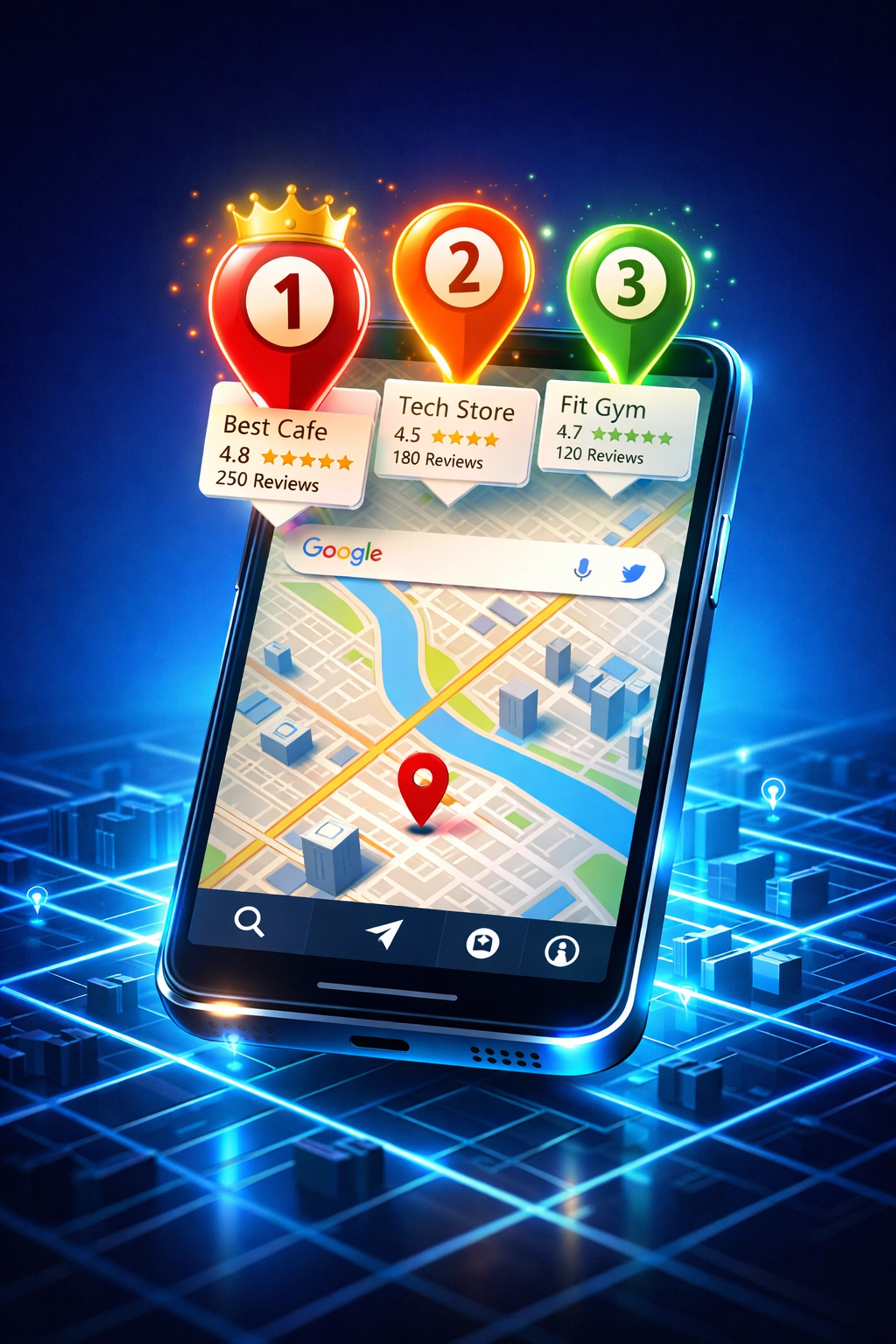
If your small business isn't showing up in the top 3 results on Google Maps, you're leaving serious money on the table. And here's the kicker: over 80% of local searches happen on mobile devices, and most people don't scroll past the first three listings.
The good news? Ranking on Google Maps isn't rocket science. It's about working smarter, not harder. Whether you're a plumber in Vancouver, a dentist in Surrey, or a café owner in Kelowna, these five steps will help you dominate your local search results in 2026.
Let's get your business visible where it matters most.
Step 1: Optimize Your Google Business Profile Like Your Revenue Depends On It (Because It Does)
Your Google Business Profile (GBP) is your digital storefront. If it's incomplete or outdated, Google won't trust you: and neither will potential customers.
Here's what you need to do right now:
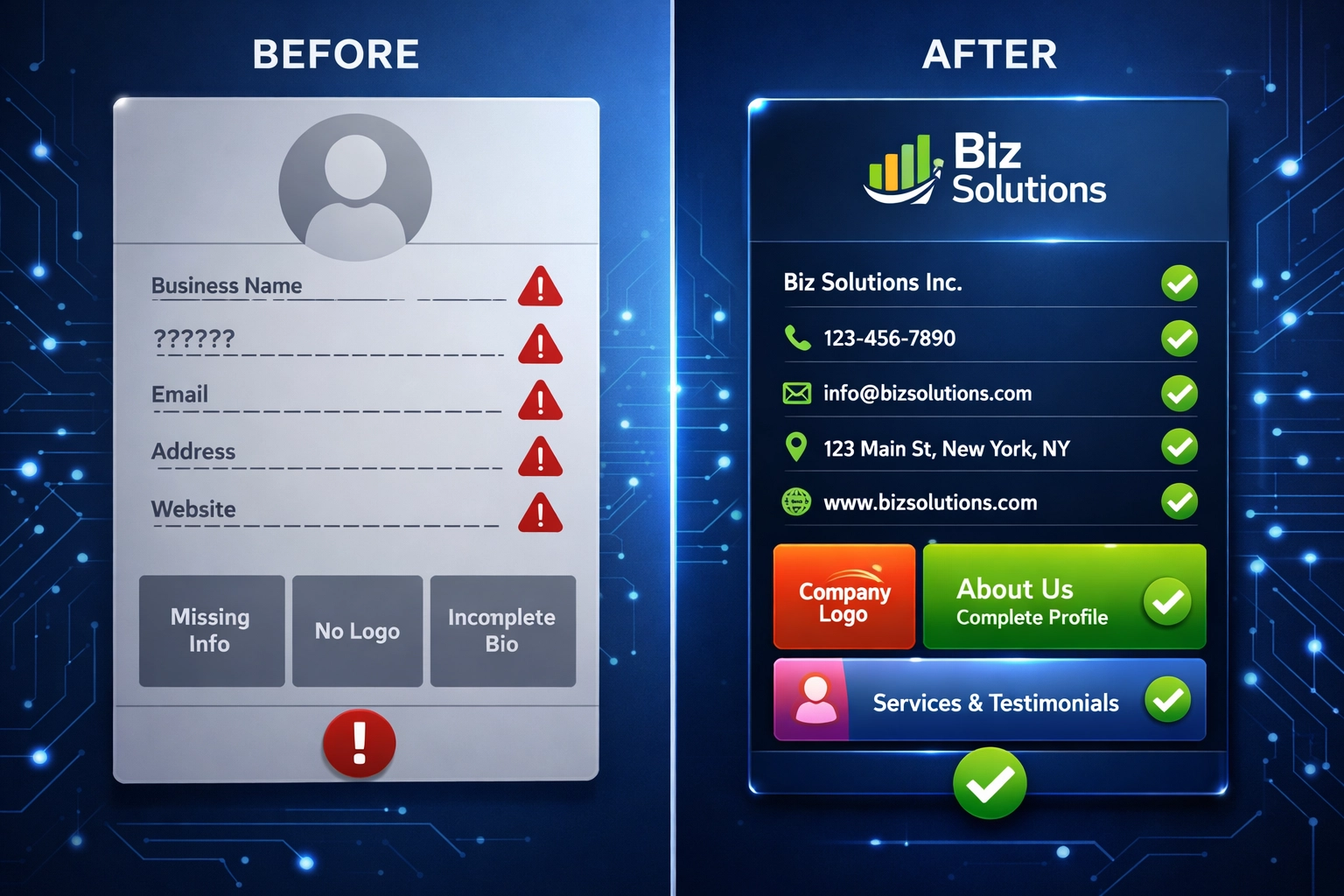
Complete Every Single Field
Don't leave anything blank. Fill out your business name, address, phone number (NAP), hours of operation, website URL, and services. Google rewards completeness, and customers reward accuracy.
Write a Localized Business Description
Skip the corporate jargon. Instead of "We provide quality dental services," try something like: "Family dentist in the Green Park neighborhood offering gentle cleanings, cosmetic dentistry, and emergency dental care for Surrey residents."
Use location-specific keywords naturally. Think about what your customers are actually typing into Google: "urgent care clinic near me in Dallas" or "best Italian restaurant in downtown Vancouver."
Keep Your Information Consistent
Your NAP (Name, Address, Phone) needs to match exactly across your website, social media, and directory listings. Even small differences like "Street" vs. "St." can confuse Google's algorithms and hurt your rankings.
Pro Tip: Set a calendar reminder to review your GBP every month. Update holiday hours, add new services, and keep everything fresh.
Step 2: Choose Your Primary Category Precisely (This Is Your #1 Ranking Factor)
Here's something most business owners don't know: your primary category is the single most important ranking factor for Google Maps.
Choose wrong, and you'll be fighting an uphill battle. Choose right, and you'll unlock massive visibility.
Be Specific, Not Generic
Instead of choosing "Restaurant," go for "Italian Restaurant" or "Pizza Restaurant." Instead of "Dentist," select "Pediatric Dentist" or "Cosmetic Dentist."
The more specific your primary category, the better you'll rank for high-intent searches like "pediatric dentist near me" or "emergency plumber open now."
Add Relevant Secondary Categories
Google allows you to add multiple categories. Use them strategically to cover all your main services. A dental practice might choose:
- Primary: "Cosmetic Dentist"
- Secondary: "Teeth Whitening Service," "Emergency Dental Service," "Dental Implants Provider"
Spy On Your Competitors
Check out the top 3 competitors in your area. What categories are they using? You can see this on their Google Business Profile. If they're consistently ranking higher, they might be using categories you haven't considered.
Step 3: Upload High-Quality, Location-Specific Photos (And Do It Regularly)
Think photos don't matter? Think again. Businesses with recent, high-quality photos get significantly more clicks, calls, and direction requests than those with outdated or generic images.
What to Upload:
- Exterior shots showing your storefront and signage
- Interior photos that give customers a feel for your space
- Product or service photos showcasing what you actually offer
- Team photos to put a face to your business
- Before-and-after shots if relevant to your industry
Skip the Stock Photos
Seriously. Stock photos scream "fake" and do nothing for your credibility. Use real photos of your actual location, staff, and work. Customers can tell the difference, and so can Google.
Upload Consistently
Don't just upload 20 photos once and call it done. Add new images every month. This signals to Google that your business is active and engaged. Even a simple "Team Tuesday" photo or a new menu item keeps your profile fresh.
Step 4: Build Location-Specific Landing Pages (And Nail Your On-Site SEO)
If you're relying solely on your Google Business Profile to rank, you're missing half the equation. Your website needs to back it up with solid local SEO.
Create Dedicated Location Pages
If you serve multiple neighborhoods or cities, create a unique landing page for each location. Don't just copy-paste the same content and swap out city names: Google will penalize you for duplicate content.
Each page should include:
- Localized title tags and H1 headers ("Emergency Plumbing Services in North Vancouver")
- Neighborhood-specific keywords throughout the content
- Directions and parking information
- Staff bios if you have location-specific team members
- Local customer testimonials
- Service lists tailored to that area's needs
Match Your NAP Information Exactly
Your website's contact information must match your Google Business Profile down to the punctuation. Use the exact same format everywhere.
Implement Local Business Schema Markup
This is code that tells Google important details about your business: hours, prices, services, location. It helps search engines understand your content better and can lead to rich snippets in search results.
Make It Mobile-Friendly
Remember: over 80% of local searches happen on mobile. If your website looks terrible on a phone or loads slowly, you're losing customers before they even contact you.

At My Business Local, we've helped dozens of small businesses build mobile-optimized, SEO-friendly websites without the massive upfront costs. Check out our cosmetic surgery case study to see how location-specific landing pages drove a 127% increase in qualified leads.
Step 5: Encourage Customer Engagement and Reviews (The Secret Weapon)
Here's the truth: user actions are powerful ranking signals. When people click for directions, call your business, visit your website, or leave reviews, Google takes notice.
Make It Easy to Engage
Add clear calls-to-action on your Google Business Profile:
- "Call Now"
- "Book Online"
- "Get Directions"
- "View Menu"
Every interaction tells Google your business is relevant and valuable.
Actively Manage Reviews
Reviews aren't just social proof: they directly impact your Google Maps ranking. Here's how to handle them:
Ask for reviews (but do it right): After a positive experience, send a follow-up email or text with a direct link to your Google review page. Make it one-click easy.
Respond to every review: Good or bad. Thank customers for positive feedback and address concerns professionally in negative reviews. This shows Google (and future customers) that you're engaged and care about customer experience.
Use specific keywords in your responses: When thanking a customer, mention the service they used. "Thanks for choosing us for your emergency plumbing needs in Surrey!" This reinforces your local relevance.
Post Regular Updates
Use Google Posts to share news, promotions, events, or helpful tips. These appear directly on your Google Business Profile and give customers another reason to engage with your listing.
Manage Your Q&A Section
Customers can ask questions directly on your Google listing. Don't ignore this! Answer promptly and thoroughly. Even better, seed this section with common questions and helpful answers.
The Bottom Line: Consistency Wins the Google Maps Game
Ranking in the top 3 on Google Maps isn't about gaming the system: it's about consistently showing up, staying active, and proving to Google that your business is relevant, trustworthy, and valuable to local searchers.
You don't need to do everything perfectly overnight. Start with Step 1, optimize your Google Business Profile completely, and work your way through the list. Small improvements compound over time.
And if you're feeling overwhelmed or just want someone to handle the technical stuff while you focus on running your business? That's exactly what we do at My Business Local.
We've helped local businesses across North America rank higher, get more calls, and turn online visibility into real revenue. Let's chat about how we can do the same for you.
Ready to dominate your local search results? Reach out today and let's put your business on the map, literally.