
Let's be real: your Google Business Profile isn't just a nice-to-have anymore. In 2026, over 70% of local searches end with someone interacting with your GBP: not your fancy website, not your Instagram feed. Your profile.
And yet, most local businesses are absolutely bombing it. We're talking invisible in the Map Pack, buried under competitors, and wondering why the phone isn't ringing.
The good news? Most of these ranking killers are totally fixable. Here are the 7 mistakes sabotaging your local visibility right now: and exactly how to turn things around.
Mistake #1: Your Profile Looks Like You Gave Up Halfway Through
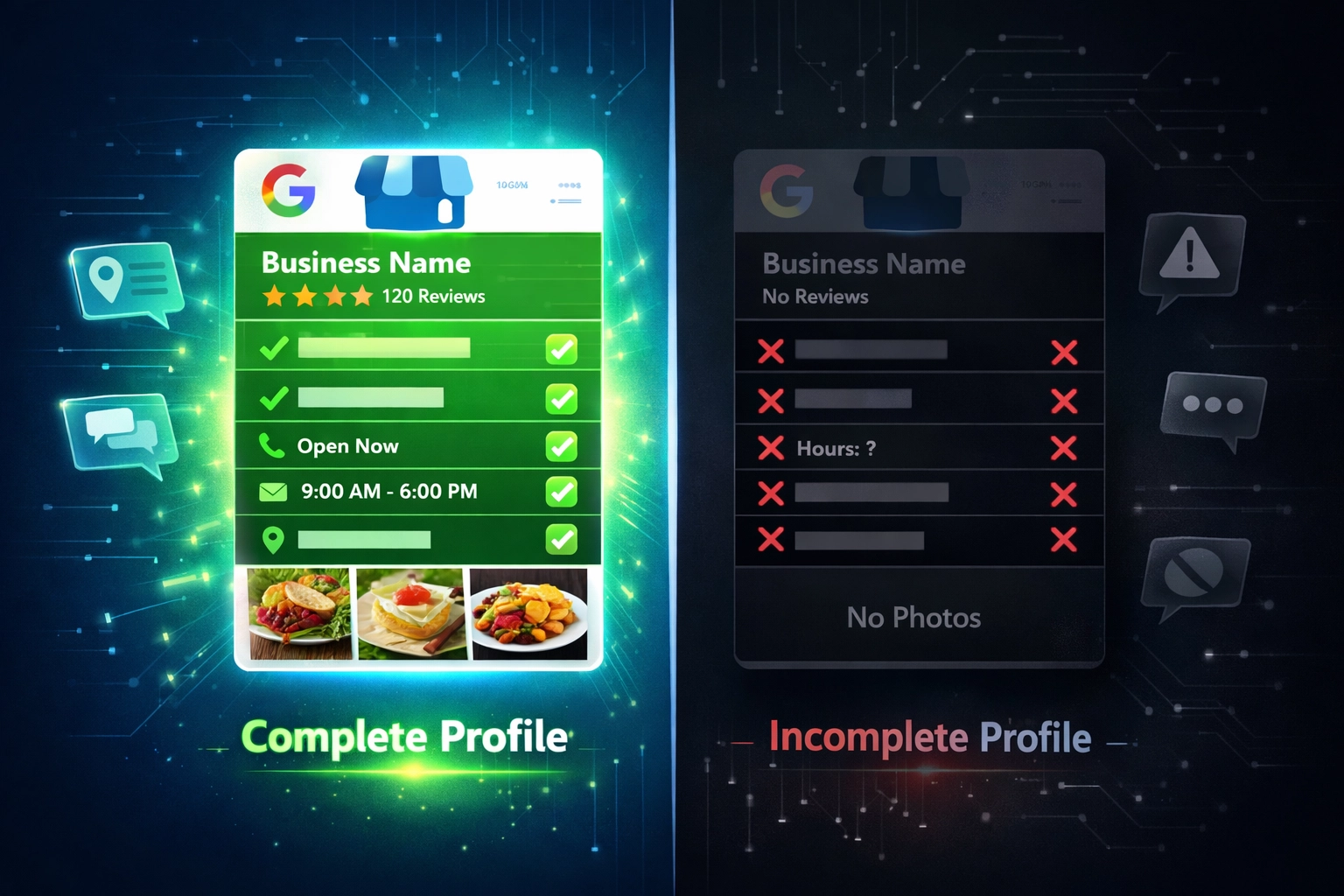
Incomplete profiles are 2–3 times less likely to show up in Google's Map Pack and AI Overviews. Google's algorithm isn't charitable: if you don't fill out the form, you don't get the ranking.
We're talking about businesses that:
- Skip the "attributes" section entirely
- Leave service descriptions blank
- Upload 2 photos and call it a day
- Ignore the business hours or special hours features
The Fix: Complete EVERYTHING. Every single field matters to Google's AI. That means:
- Business name, address, phone (we'll get to NAP in a second)
- Primary AND secondary categories
- Full service descriptions for every offering
- At least 5–10 high-quality photos showing your actual business
- Attributes that apply to your business (wheelchair accessible, free WiFi, etc.)
- Accurate hours, including holiday hours
Think of your GBP as your digital storefront. Would you open a physical location with half the shelves empty? Exactly.
Mistake #2: Your NAP is All Over the Place (And Google Knows It)
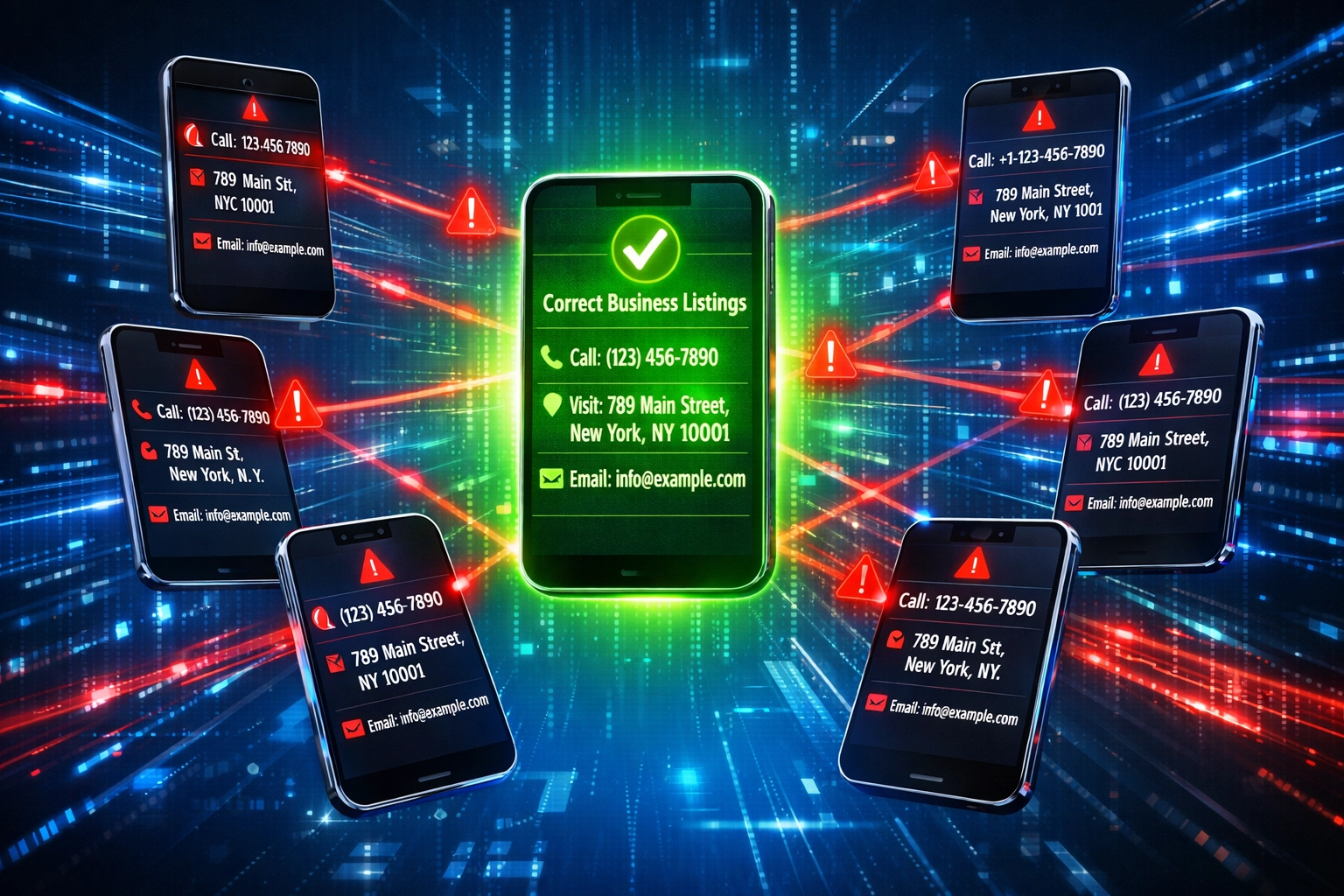
NAP = Name, Address, Phone. And if it's not 100% identical across every directory, Google's AI thinks you're sketchy.
One business has their phone number as (555) 123-4567 on Google, 555-123-4567 on Yelp, and 555.123.4567 on Apple Maps. Google sees three different businesses. Your rankings tank.
The Fix: Audit your NAP everywhere it appears:
- Google Business Profile
- Apple Maps
- Bing Places
- Yelp
- Industry-specific directories
- Your actual website
Make it character-for-character identical. Same spacing, same punctuation, same abbreviations (or lack thereof). This is tedious, unglamorous work: but it's also one of the fastest ranking boosts you'll see.
At My Business Local, we handle NAP cleanup as part of our local SEO packages because we've seen too many businesses lose leads over a misplaced parenthesis.
Mistake #3: Stock Photos Are Killing Your Trust Score
Here's something most businesses don't know: Google's Vision AI scans your photos to verify you actually exist where you claim to exist. Upload stock images of generic office workers shaking hands? Google's AI flags you as potentially fraudulent.
The penalty is real. Businesses using stock photos see an automatic trust downgrade, which directly impacts rankings.
The Fix: Upload real photos. Weekly if possible, bi-weekly at minimum. Show:
- Your actual team members
- Your physical location (exterior + interior)
- Your work in progress or finished projects
- Branded signage or local landmarks that prove location
- Behind-the-scenes content
Bonus: Real photos also build trust with actual humans browsing your profile. Stock images scream "we're hiding something."
Mistake #4: Your Services Section is Basically Invisible
If you're not listing every service you offer: with detailed descriptions: you're invisible for those search terms. It's that simple.
Adding comprehensive service descriptions improves discovery by an average of 34%. That's not a minor bump. That's the difference between 3 leads a week and 4+ leads a week.
The Fix: Use Google's service editor to add:
- Every service you offer (don't be shy)
- Full descriptions for each one
- Pricing when applicable
- Relevant categories
Write for humans, not robots. "We offer professional HVAC repair services for residential and commercial properties in Vancouver" beats "HVAC repair Vancouver" every time: because Google's AI is smart enough to understand natural language now.
Mistake #5: Your Business Description Sounds Like It Was Written in 2015
Generic, keyword-stuffed descriptions do nothing for you in 2026. Google's AI has evolved. It wants to understand what you actually do, who you serve, and where you operate.
"Best plumber in Vancouver! 24/7 emergency plumbing services! Licensed plumbers! Call now! 🔧🚰💯"
That's not a description. That's desperation in text form.
The Fix: Write a clear, natural-language description that:
- States exactly what you do
- Mentions your location naturally
- Highlights what makes you different
- Skips the emojis and excessive exclamation points
- Gets updated at least once a year
Keep it between 200-750 characters. Be specific. Be human. Google will reward you for it.
Mistake #6: You Set It and Forgot It (And Google Noticed)
Treating your GBP like a "one and done" project is a fast track to invisibility. Google prioritizes active, maintained profiles because they signal a real, operating business.
Businesses that post regular updates, upload fresh content, and engage with their profile see significantly better rankings. Short 15-second vertical videos: office tours, team intros, project highlights: dramatically increase engagement metrics that Google tracks.
The Fix: Treat your GBP like a living asset:
- Post weekly updates (events, offers, tips, announcements)
- Upload new photos every 1–2 weeks
- Add short-form vertical videos showing your business in action
- Respond to every review (we'll cover this next)
- Update special hours for holidays immediately
At My Business Local, we manage GBP maintenance for clients who don't have time for weekly posts: because we know consistent activity = consistent rankings.

Mistake #7: Your Website and GBP Are Telling Different Stories
If your GBP says you offer "web design, SEO, and social media management" but your website only has pages for "marketing services," Google gets confused. Confused Google = lower rankings.
Your website needs to reinforce your GBP, not contradict it.
The Fix: Align everything:
- Create individual service pages that match your GBP services exactly
- Embed your Google Map on your Contact page
- Display your NAP clearly in your website footer
- Keep business hours, phone numbers, and addresses synchronized
- Link to your GBP from your website
This isn't just about rankings: it's about user experience. Someone who clicks from your GBP to your website should see a seamless, consistent brand.
The Reviews Situation (Because We Can't Not Talk About It)
Here's the thing about reviews in 2026: they're basically social proof meets ranking signal meets trust factor.
Businesses that ignore reviews: or worse, only respond to positive ones: lose credibility with both Google and potential customers. Response rate matters. Recency matters. Quality of responses matters.
Quick tips:
- Respond to every review within 24–48 hours
- Thank positive reviewers specifically
- Address negative reviews professionally and offer solutions
- Never argue or get defensive
- Encourage happy customers to leave reviews (but don't incentivize them: Google hates that)
If you're drowning in review management, this is exactly the kind of thing our local SEO services handle daily.
The Bottom Line
Your Google Business Profile is the most underrated lead generation tool you have. Fix these 7 mistakes, and you'll see more calls, more walk-ins, and more qualified leads: often within weeks.
The businesses dominating local search in 2026 aren't necessarily bigger or better. They're just smarter about how they manage their digital presence.
Need help getting your GBP dialed in? We've helped local businesses increase their Map Pack visibility and generate measurable lead growth through strategic local SEO. Check out our case study to see the kind of results we're talking about.
Ready to stop losing leads to competitors with better-optimized profiles? Let's fix your Google Business Profile together. Reach out to My Business Local, and we'll show you exactly where you're leaving money on the table: and how to fix it fast.